YardMate 2.0

Made for iPhone Duo

One garden, folded two ways.

Closed, it fits in one hand by the flower bed. Open, it reads like a field guide. YardMate was laid out again for both screens, not stretched to fit them.

Coming in YardMate 2.0 · October 2026
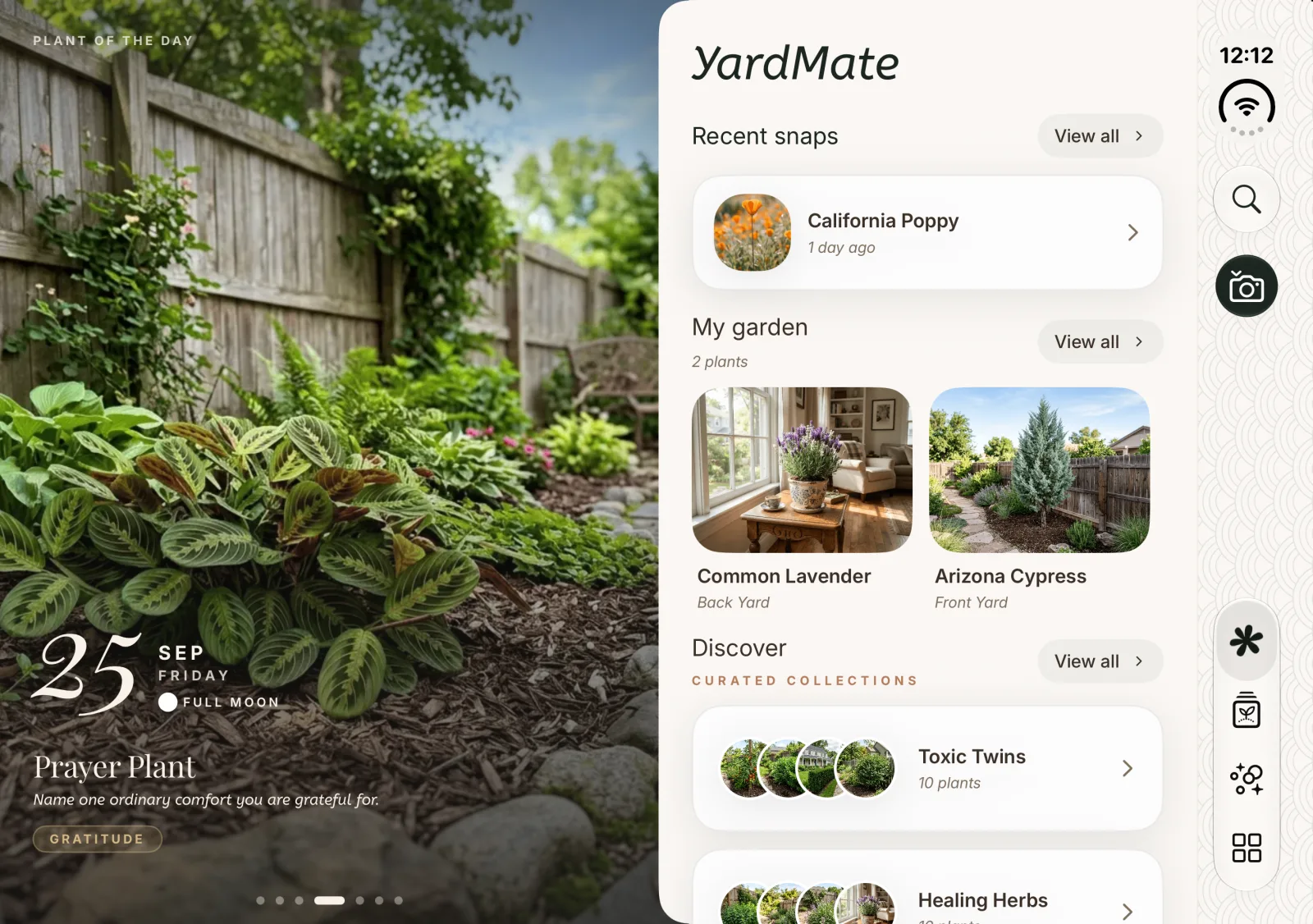
YardMate Home on the iPhone Duo inner display: a full-height photo of a prayer plant as Plant of the Day on the left page, and a paper-textured page on the right with recent snaps, My Garden and curated collections.
The same Home screen on the outer display, with a vertical rail of search, camera and tab buttons on the right.

Unfolded

Open it, and every page becomes a spread

On the inner display YardMate turns into two facing pages. The photograph stays on the left while the right page scrolls through care, soil, story and treatment, and quiet traditional Japanese patterns fill the margins so the wider screen feels deliberate rather than empty.
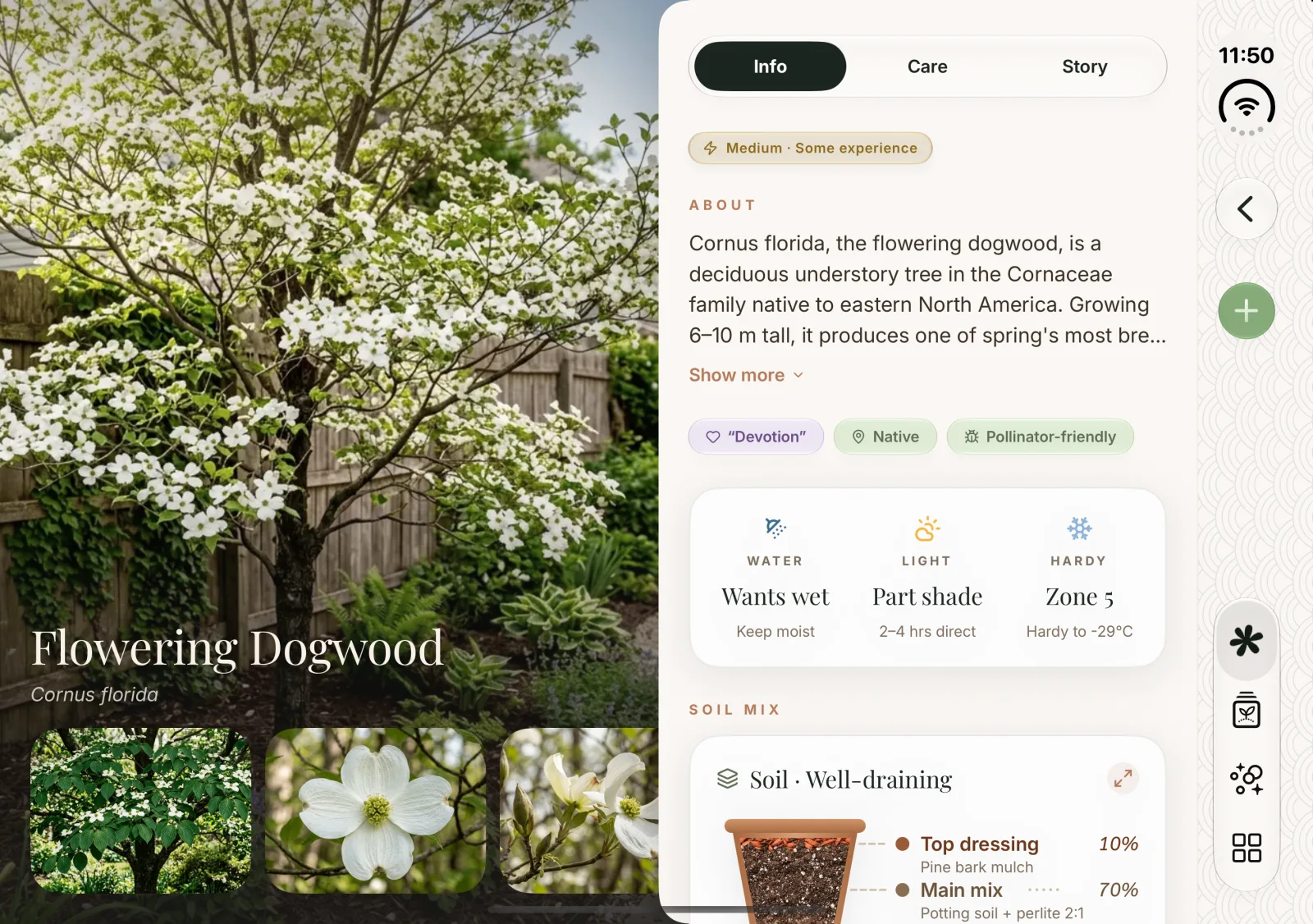
Flowering Dogwood detail as a spread: the tree photo and name on the left, the Info tab with About, water, light, hardiness and soil mix on the right.
Plant details
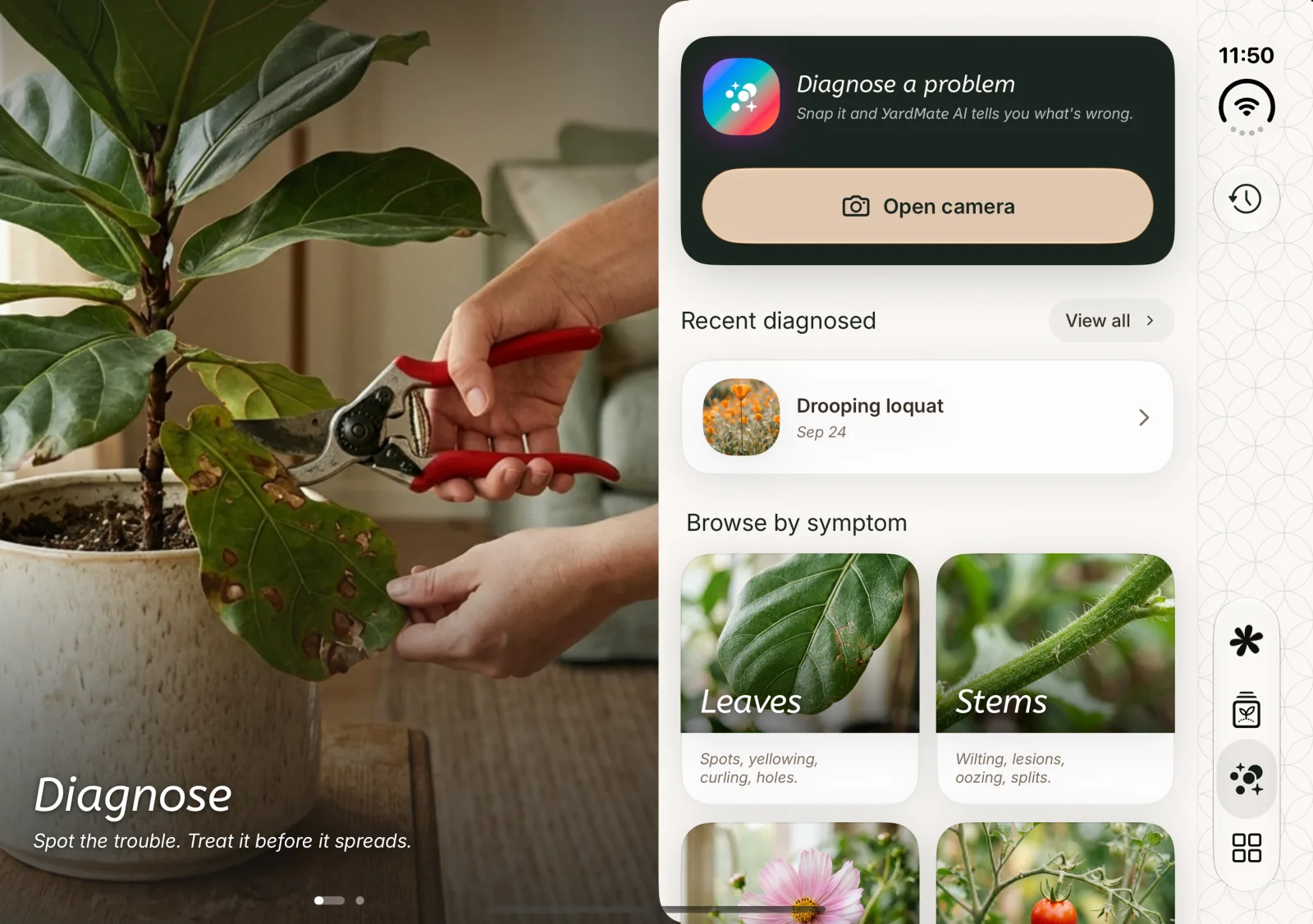
Diagnose as a spread: a photo of hands pruning a spotted fiddle-leaf fig on the left, the camera prompt, recent diagnoses and symptoms on the right.
Diagnose

Folded

Closed, everything is one thumb away

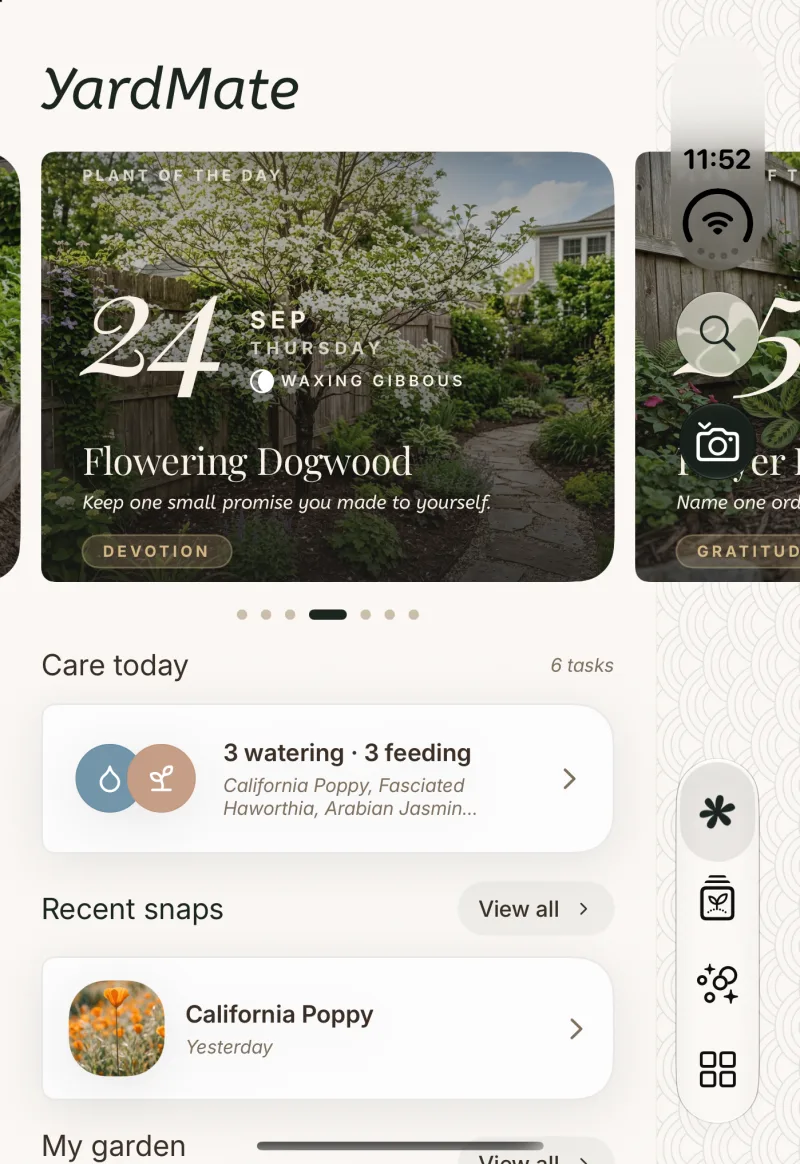
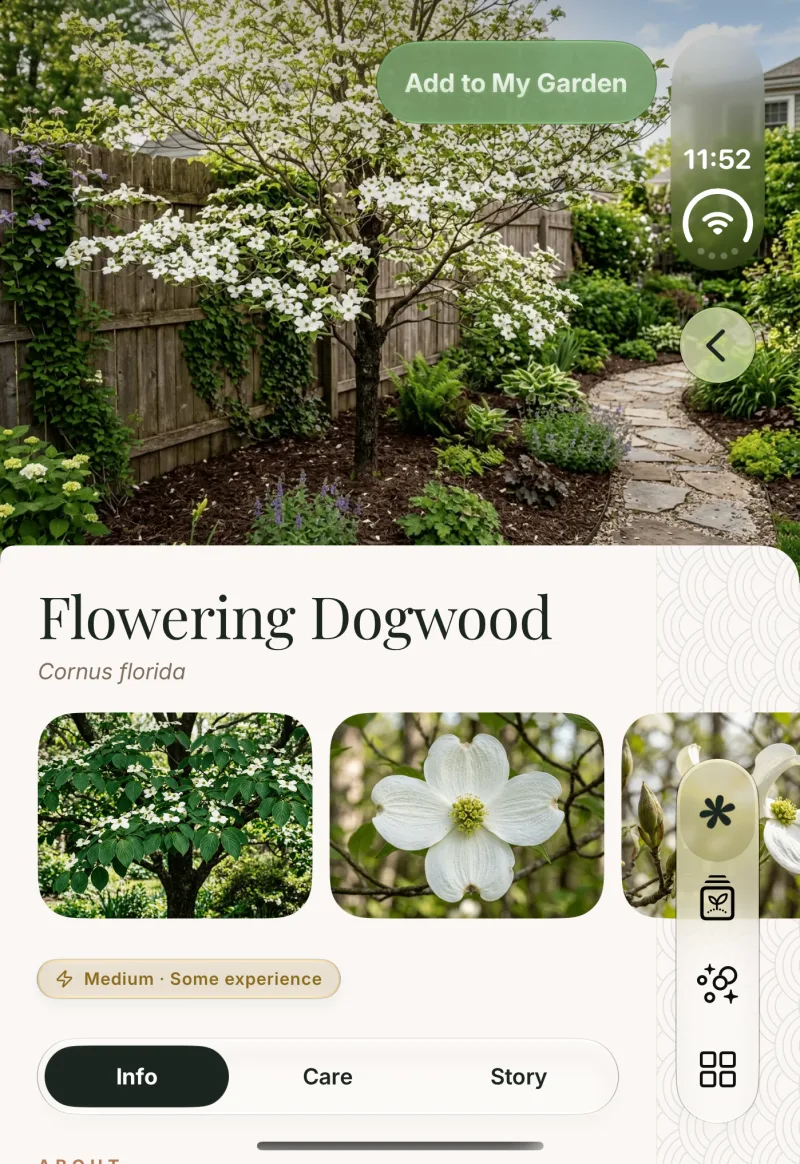
The outer display is narrow and tall, so the controls move into a slim rail on the right edge: search, camera, back and the tabs sit in one column your thumb already rests on, and the content gets the full width beside it.
Home on the outer display, with the Plant of the Day carousel and care list on the left and a vertical rail of search, camera and tab buttons on the right.
Home
Flowering Dogwood detail on the outer display, the back button and tabs moved into the right-hand rail.
Plant details
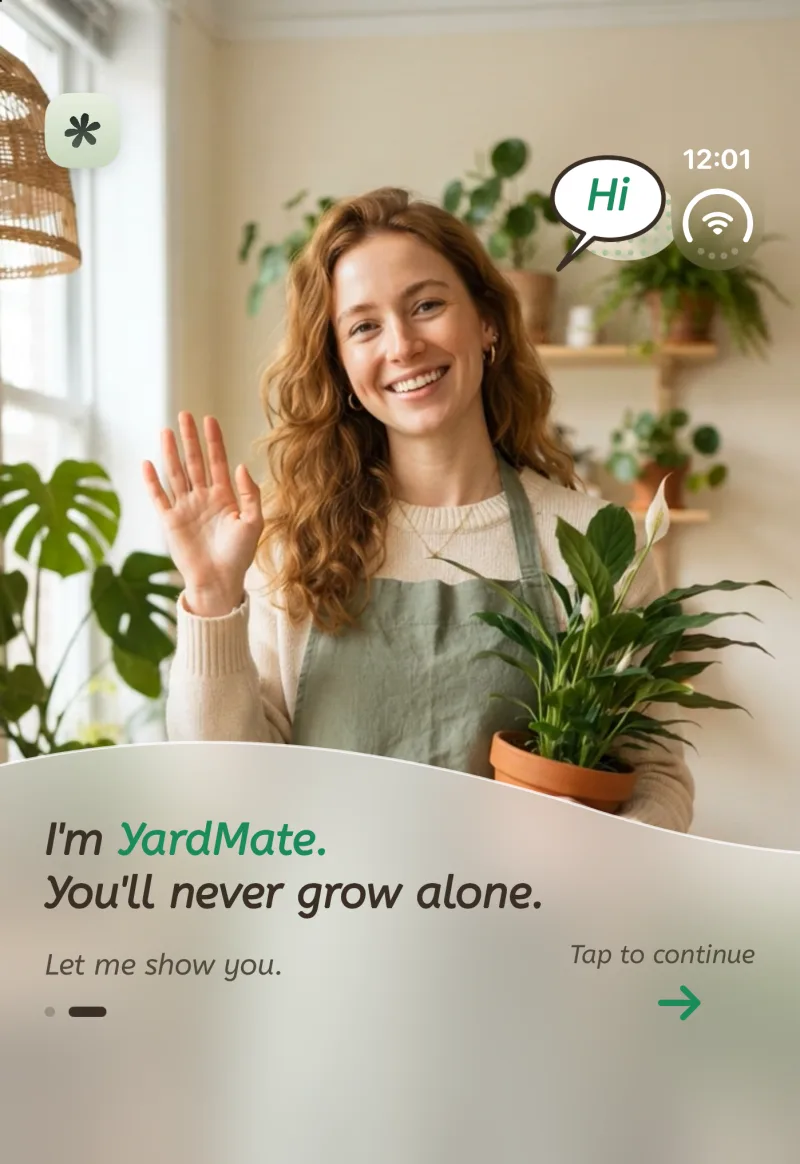
The welcome screen on the outer display: a smiling gardener holding a potted peace lily, with the greeting on a frosted panel below.
Welcome

Fold, unfold

Same moment, whichever way you hold it

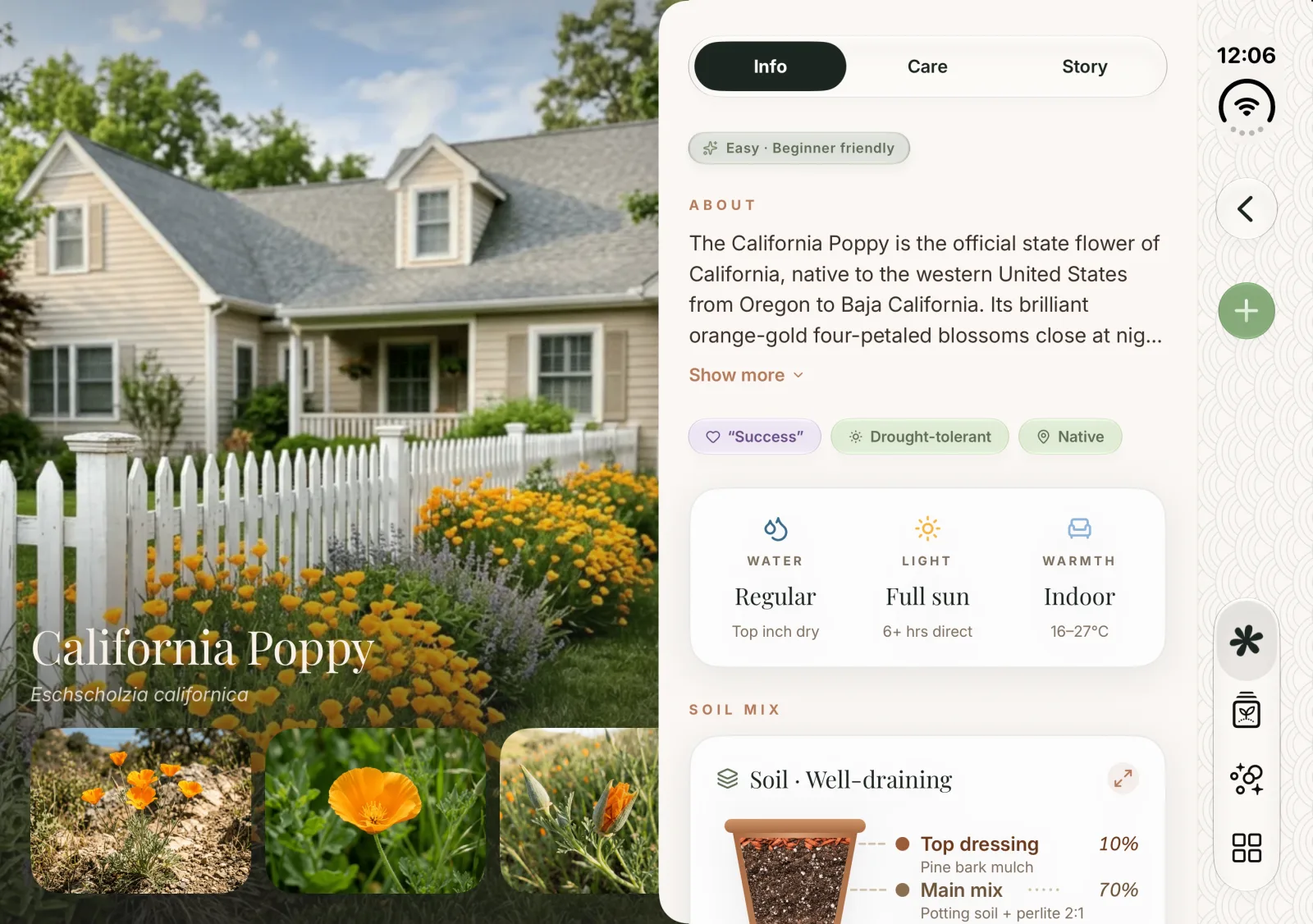
Open or close the phone mid-task and the page reflows in place: the same screen, rearranged for the new shape, with nothing reloaded and nothing lost.
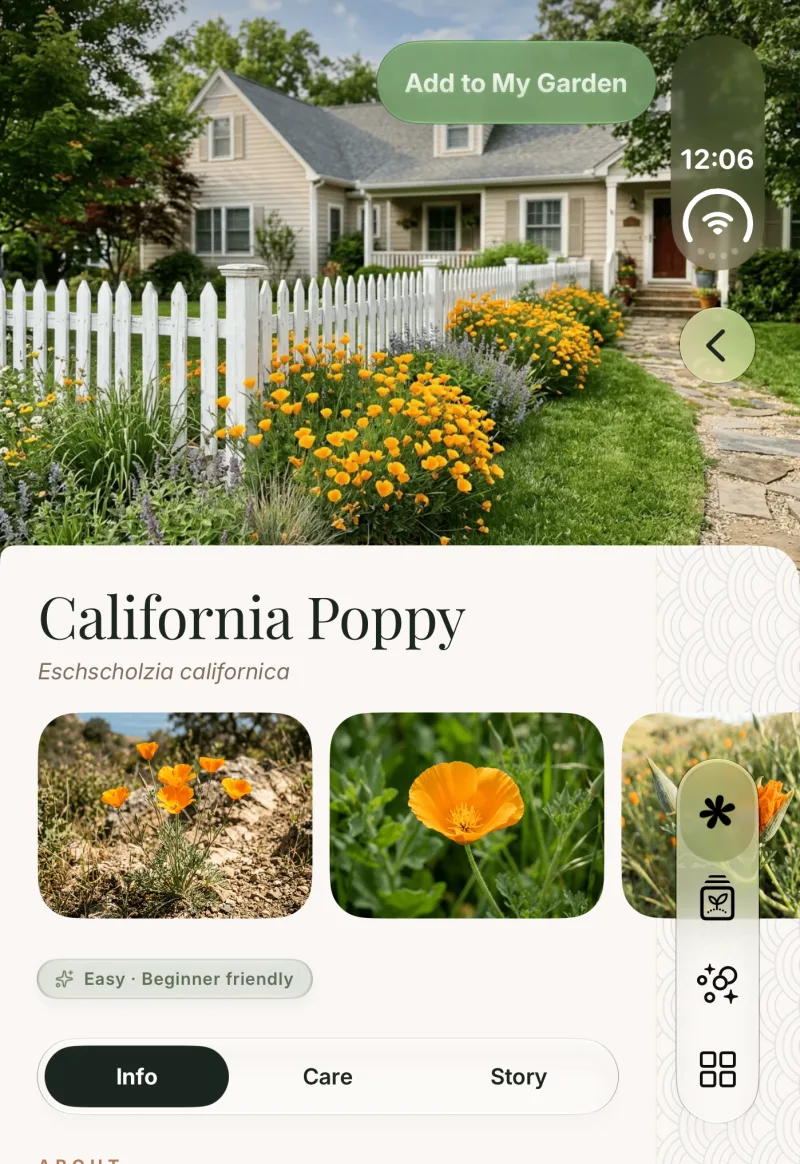
California Poppy details on the outer display: the garden photo on top, the name, gallery and tabs below.
Folded: photo above, page below
The same California Poppy details on the inner display: the photo and gallery on the left page, About, care and soil mix on the right.
Unfolded: photo left, page right
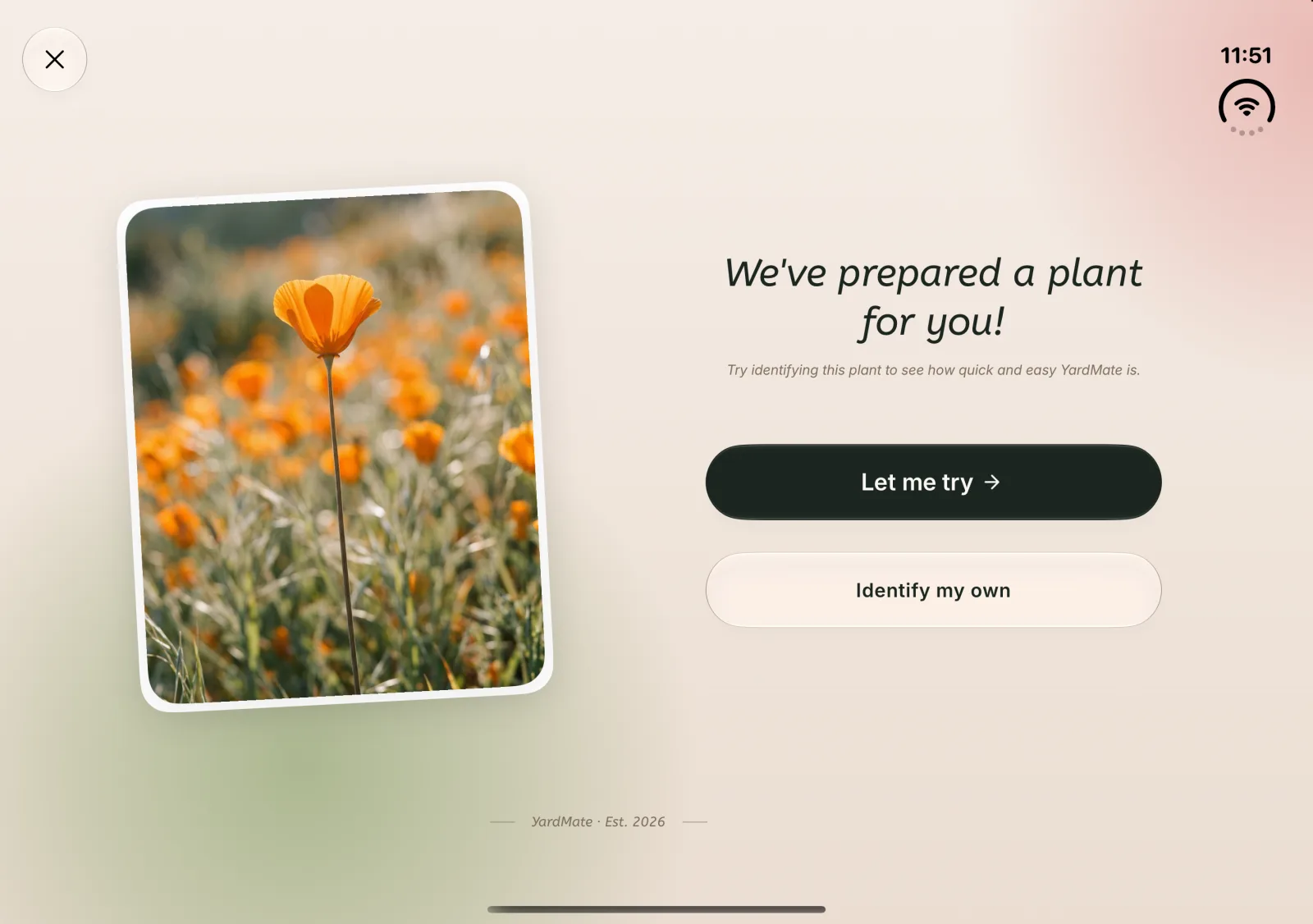
The try-it-yourself identification prompt on the outer display, stacked in one column.
Folded: one column
The same prompt on the inner display, the photo on the left and the headline and buttons on the right.
Unfolded: side by side
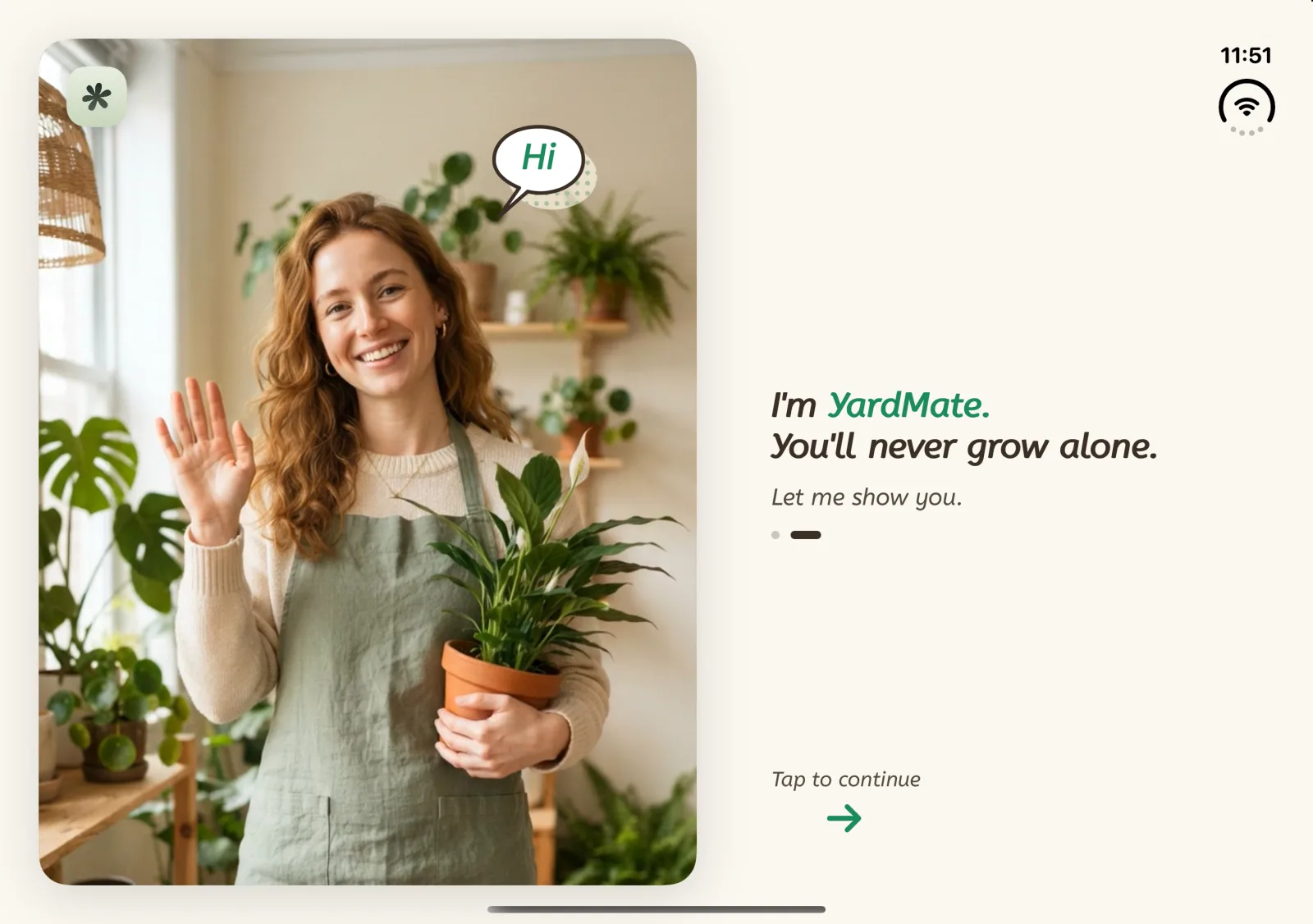
The welcome screen on the outer display, greeting below the photo.
Folded: words under the photo
The same welcome screen on the inner display, the gardener on the left page and the greeting on the right.
Unfolded: face to face

Also in 2.0

More phones, more gardeners

iOS 17 → iOS 26

Runs on older iPhones too

YardMate now goes all the way back to iOS 17. On iOS 26 you get the full Liquid Glass design; on earlier versions a dedicated compatibility layer keeps the same look and the same navigation.

iPad

At home on the big screen

Comfortable reading widths, full-bleed photographs and two-column layouts, so the garden has room to breathe on iPad.

Get started

Your garden, on every screen.

Free to begin. Identify your first plant in the next minute.

iPhone Duo and iOS 17 support arrive with YardMate 2.0